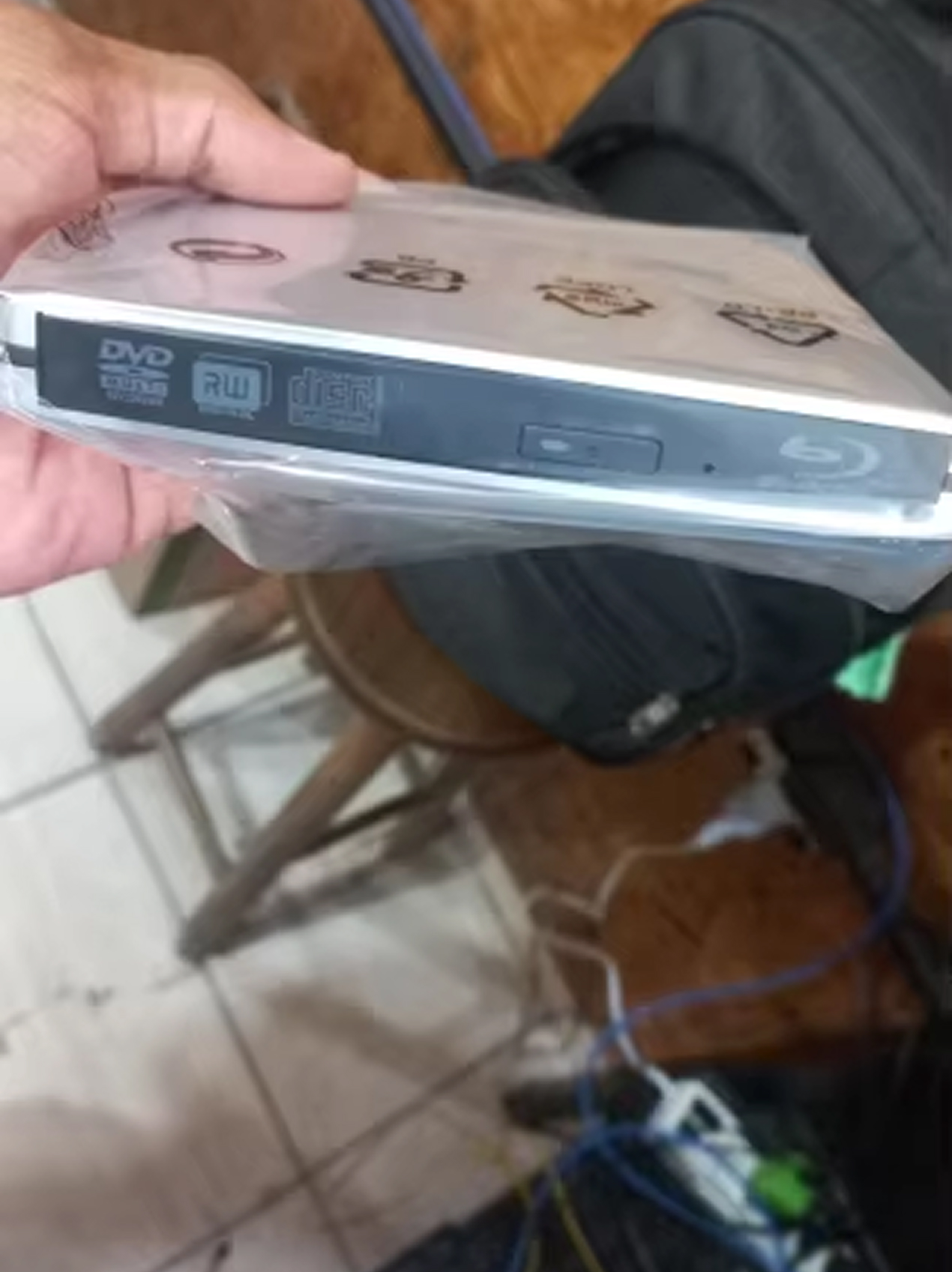
Experience Ultimate Home Entertainment with the Discynod Blu Ray Player
Transform your laptop or desktop into a complete multimedia powerhouse. The Discynod Blu Ray Player delivers stunning 3D Blu-ray playback, fast disc burning, and seamless compatibility across all devices—perfect for modern computing without built-in drives.
Unlock Limitless Multimedia Possibilities with the Discynod Blu Ray Player
Looking for Cinema-Quality Entertainment at Home?
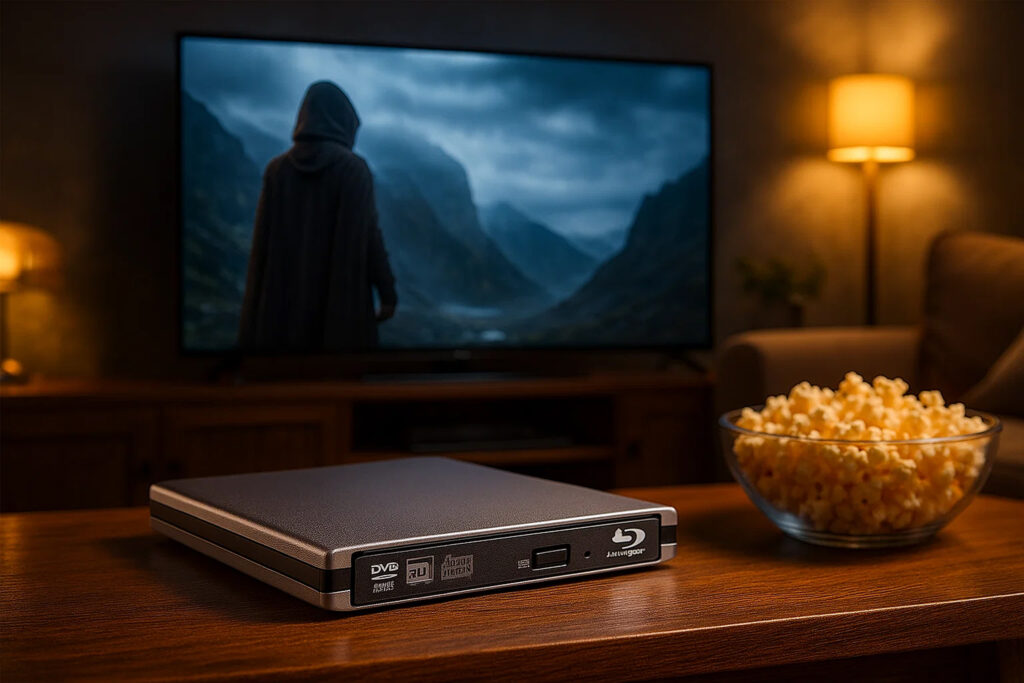
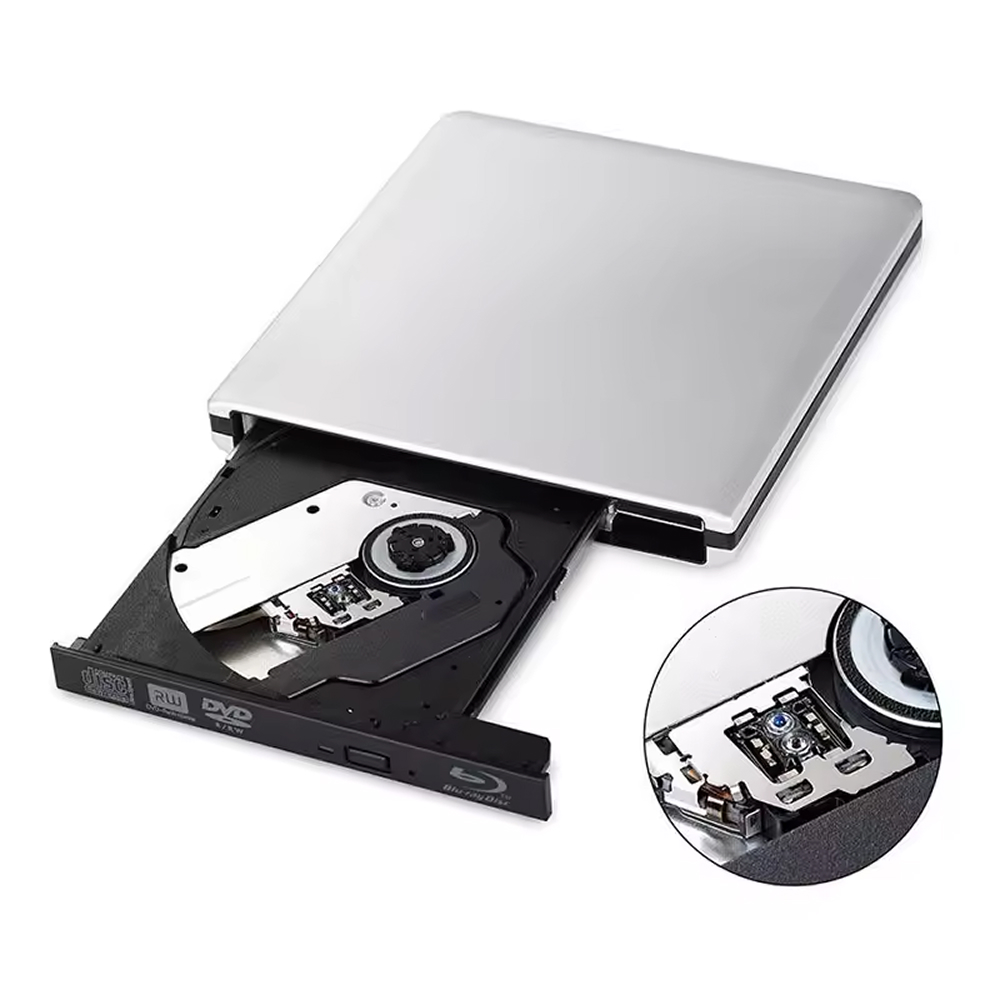
Experience breathtaking 3D Blu-ray movies with crystal-clear picture quality. The Discynod Blu Ray Player transforms your laptop or desktop into a premium home theater, delivering professional-grade playback that brings every scene to life with stunning depth and clarity.
Tired of Devices Without Optical Drives?
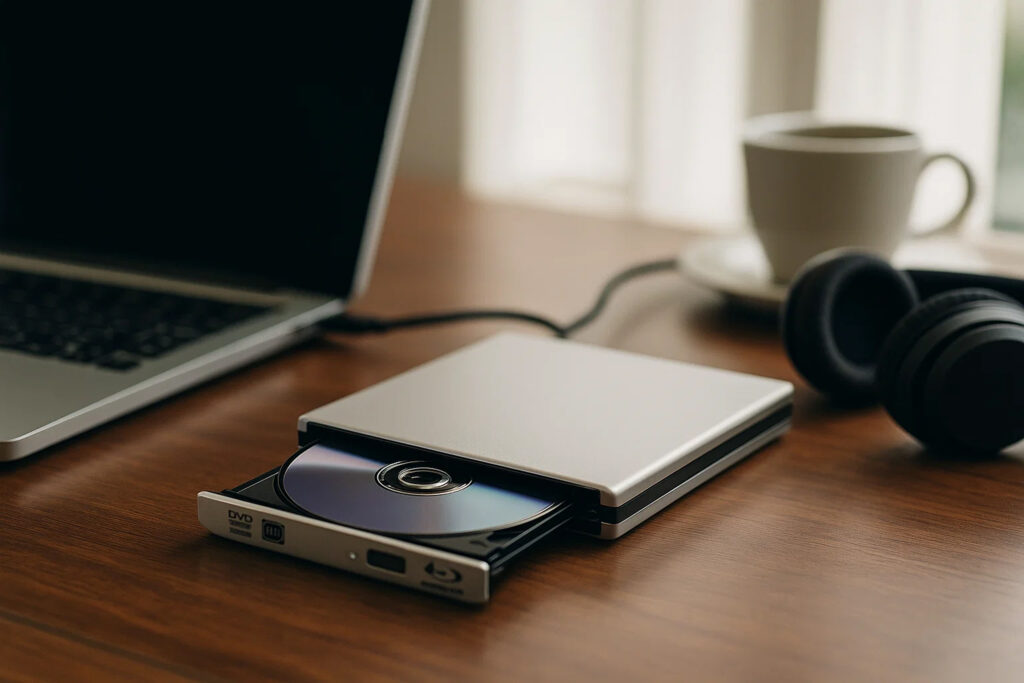
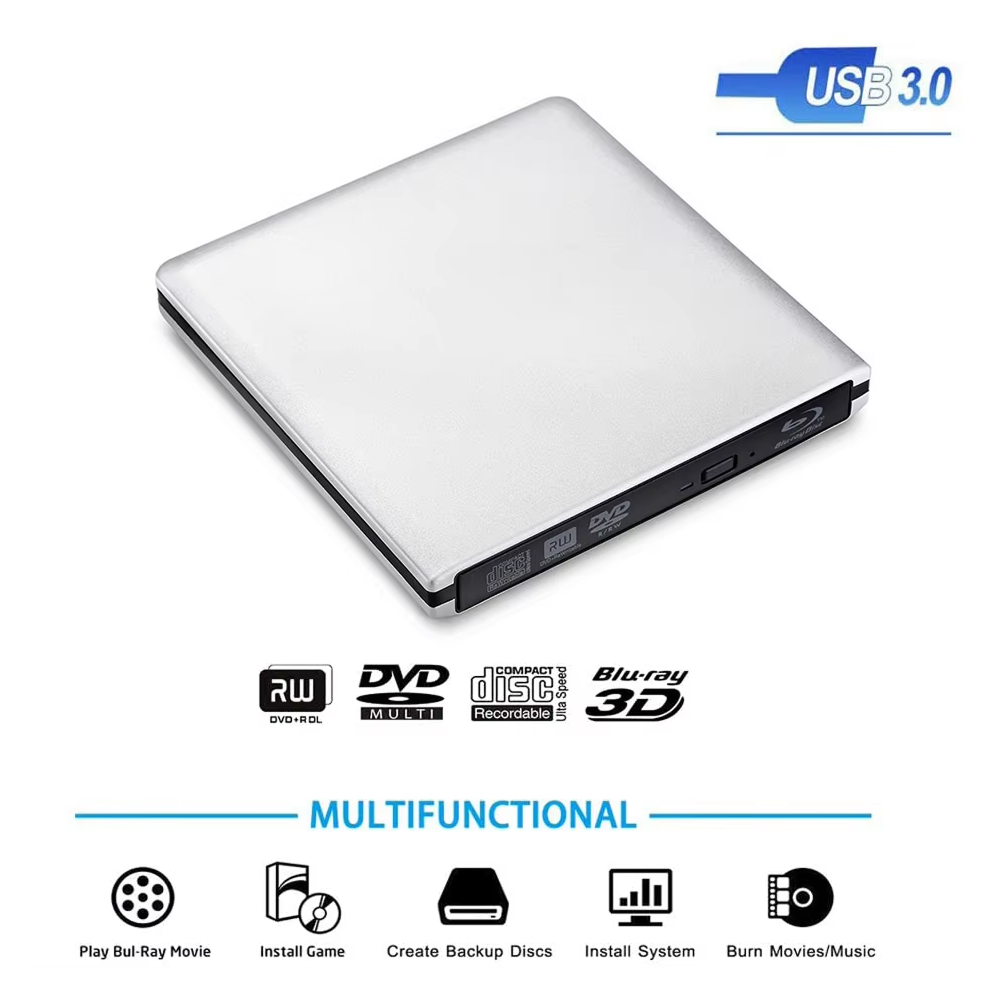
Modern laptops lack disc drives, but the Discynod Blu Ray Player bridges that gap effortlessly. Install software, play legacy games, back up important files, or enjoy your entire DVD collection—all through one sleek, portable device that travels wherever you go.
Worried About Compatibility with Your System?
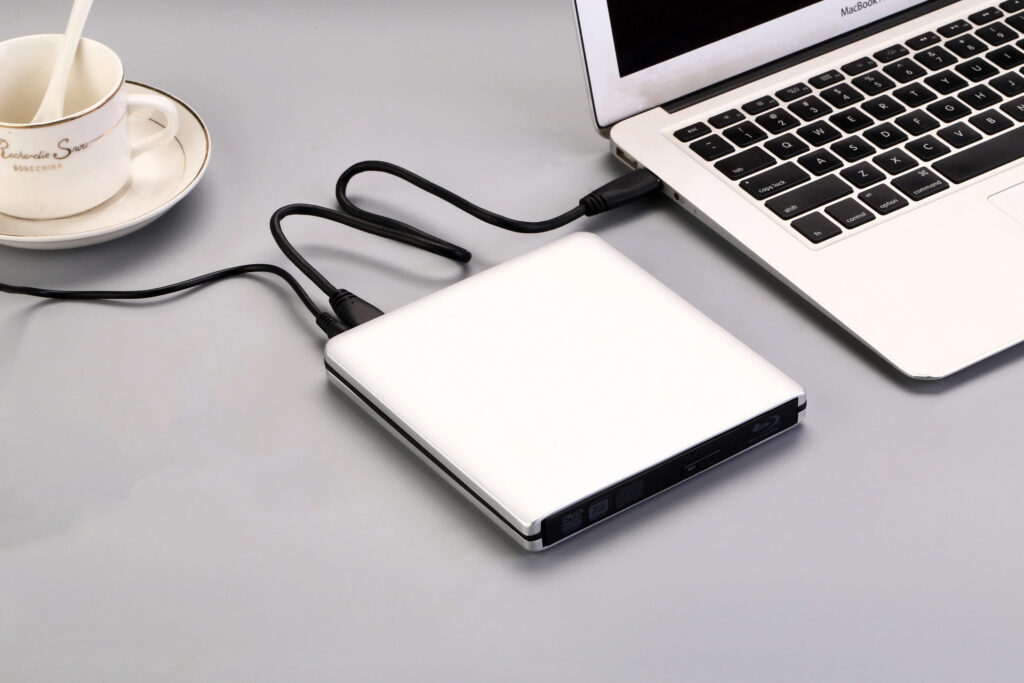
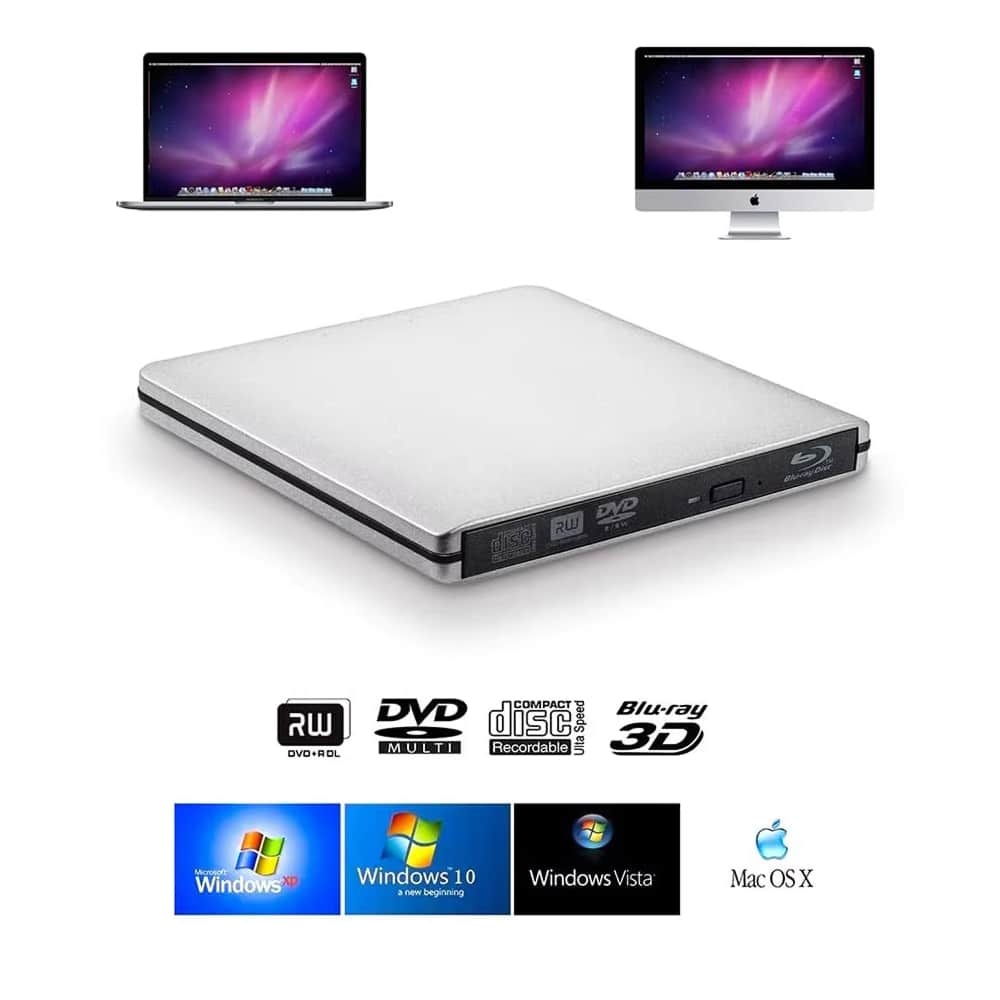
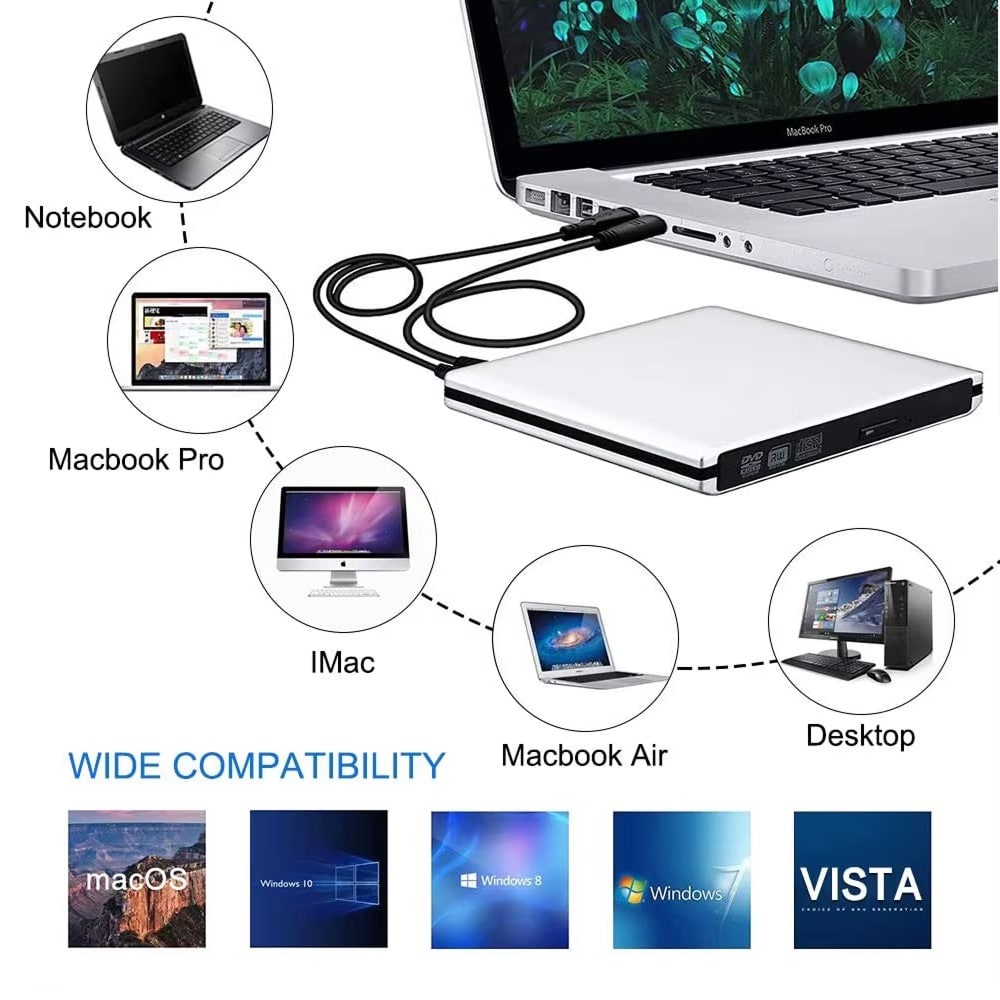
Whether you’re using MacBook Pro, Windows 10, or anything in between, the Discynod Blu Ray Player works flawlessly. With plug-and-play functionality across Mac OS X, Windows XP through 10, and multiple USB connections, setup takes seconds without complicated installations.
Over 15,000 Users Loving Discynod Blu Ray Player
4.8 rating based on total orders
Versatile Performance Meets Sleek Design for Every Computing Need
Beyond entertainment, this multifunctional player handles software installation, system backups, and disc burning with impressive speed. The slim aluminum design ensures portability while delivering professional-grade performance for work and play.
The Discynod delivers exceptional value with reliable 3D Blu-ray playback and impressive cross-platform compatibility. Its Type-C optimization and build quality exceed expectations for the price point.
Why Choose the Discynod Blu Ray Player for Your Digital Lifestyle
Discynod FEATURES ALL YOU CAN EXPECT:
UNIVERSAL COMPATIBILITY
Works seamlessly with Mac and Windows systems from vintage to latest versions. Whether you’re running MacBook Air, iMac, Windows 7, or Windows 10, the Discynod Blu Ray Player integrates effortlessly with your setup.
TRIPLE CONNECTIVITY
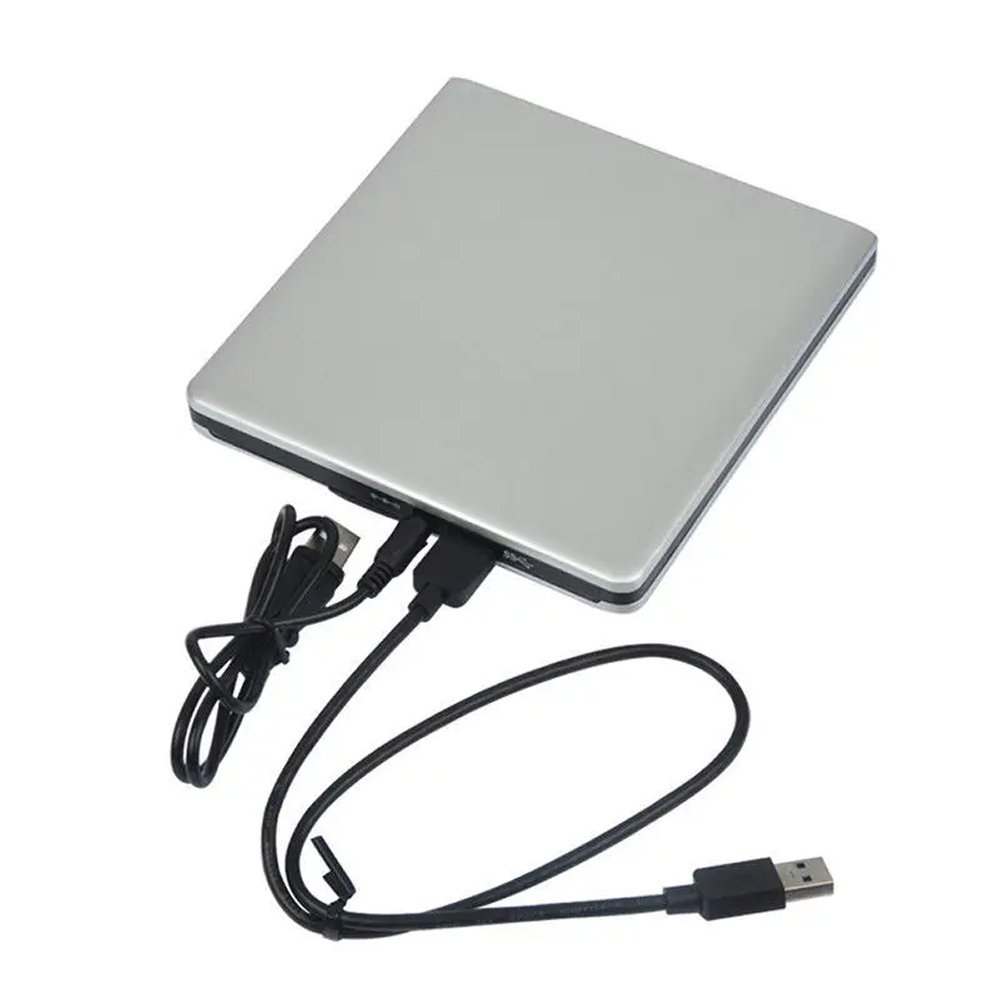
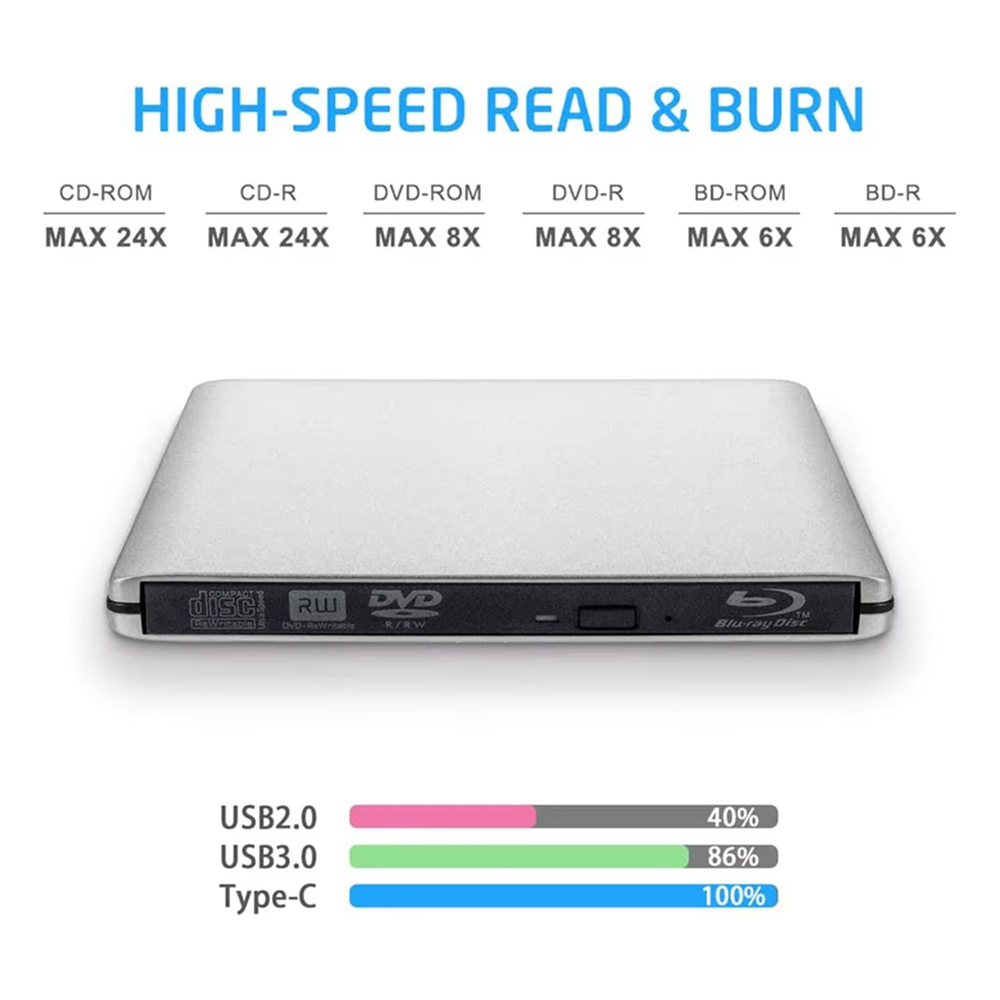
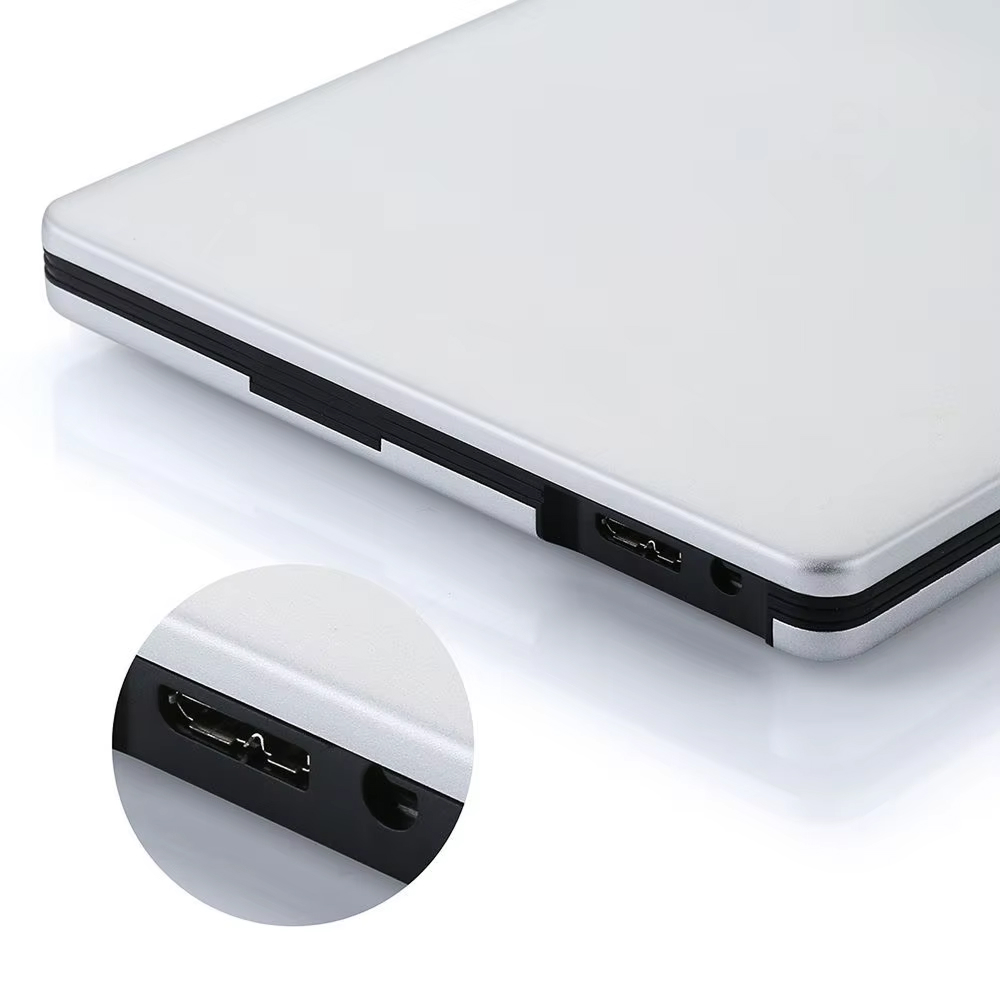
Includes USB 2.0, USB 3.0, and Type-C cables for maximum flexibility. Achieve 100% performance with Type-C connection or use standard USB ports—the choice adapts to your device’s capabilities for optimal results.
LIGHTNING-FAST SPEEDS
Experience rapid 24X CD reading, 8X DVD burning, and 6X Blu-ray speeds. Whether backing up files, installing software, or creating media discs, the Discynod Blu Ray Player completes tasks efficiently without frustrating delays.
3D BLU-RAY READY
Enjoy immersive 3D Blu-ray movies with stunning depth and clarity. The Discynod Blu Ray Player supports the latest 3D formats, turning your computer into a premium entertainment center for unforgettable viewing experiences.
PREMIUM BUILD QUALITY
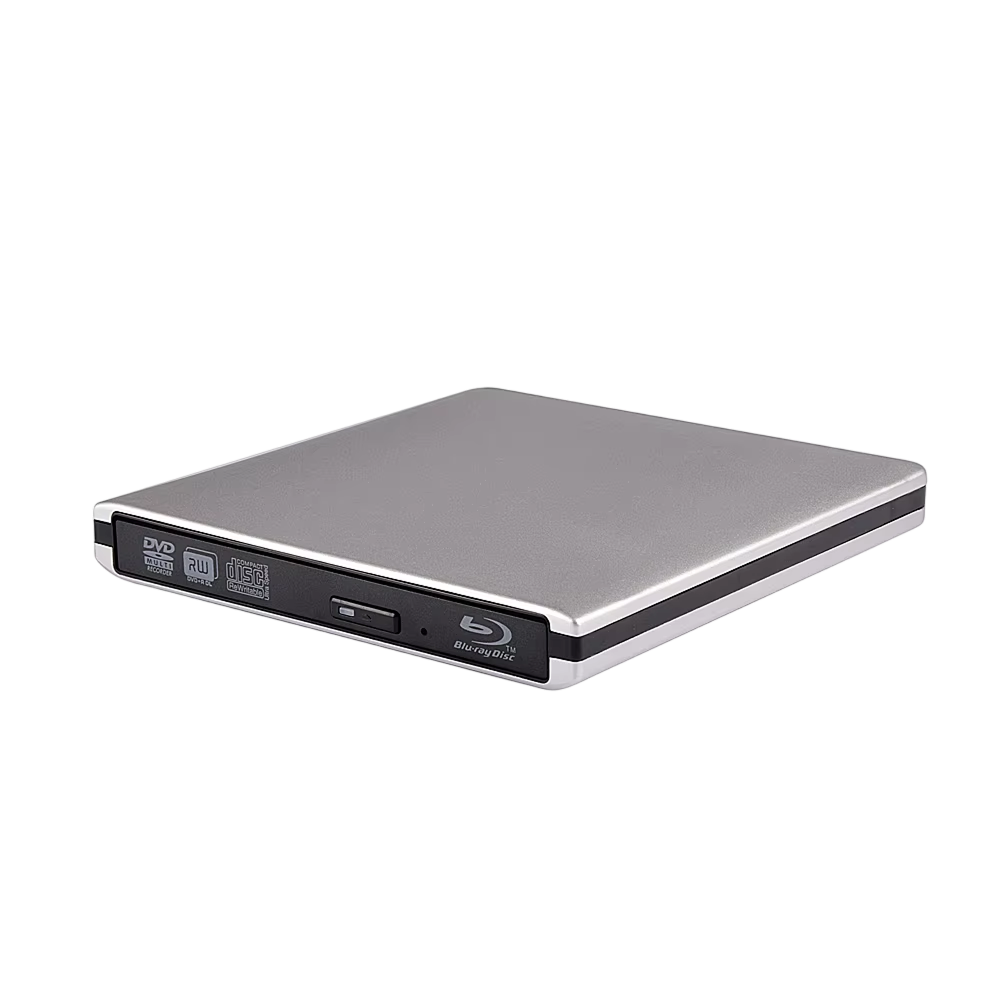
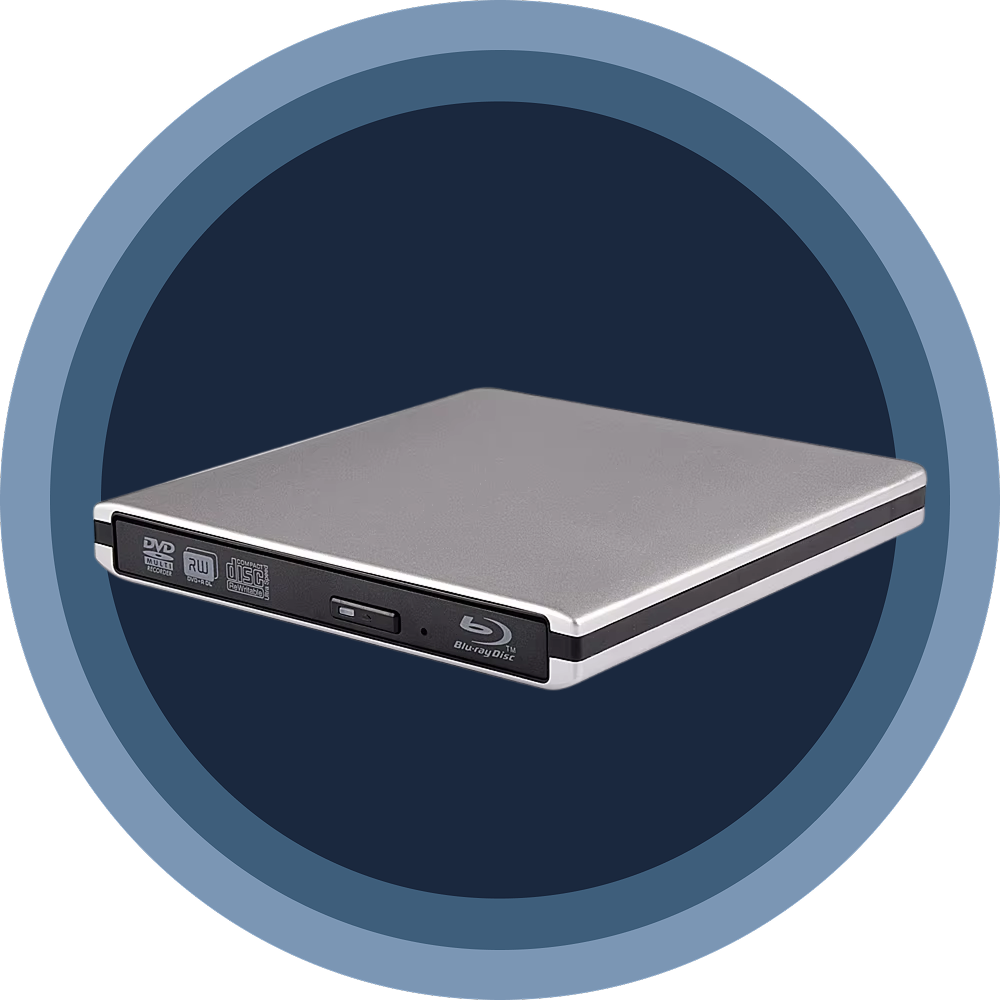
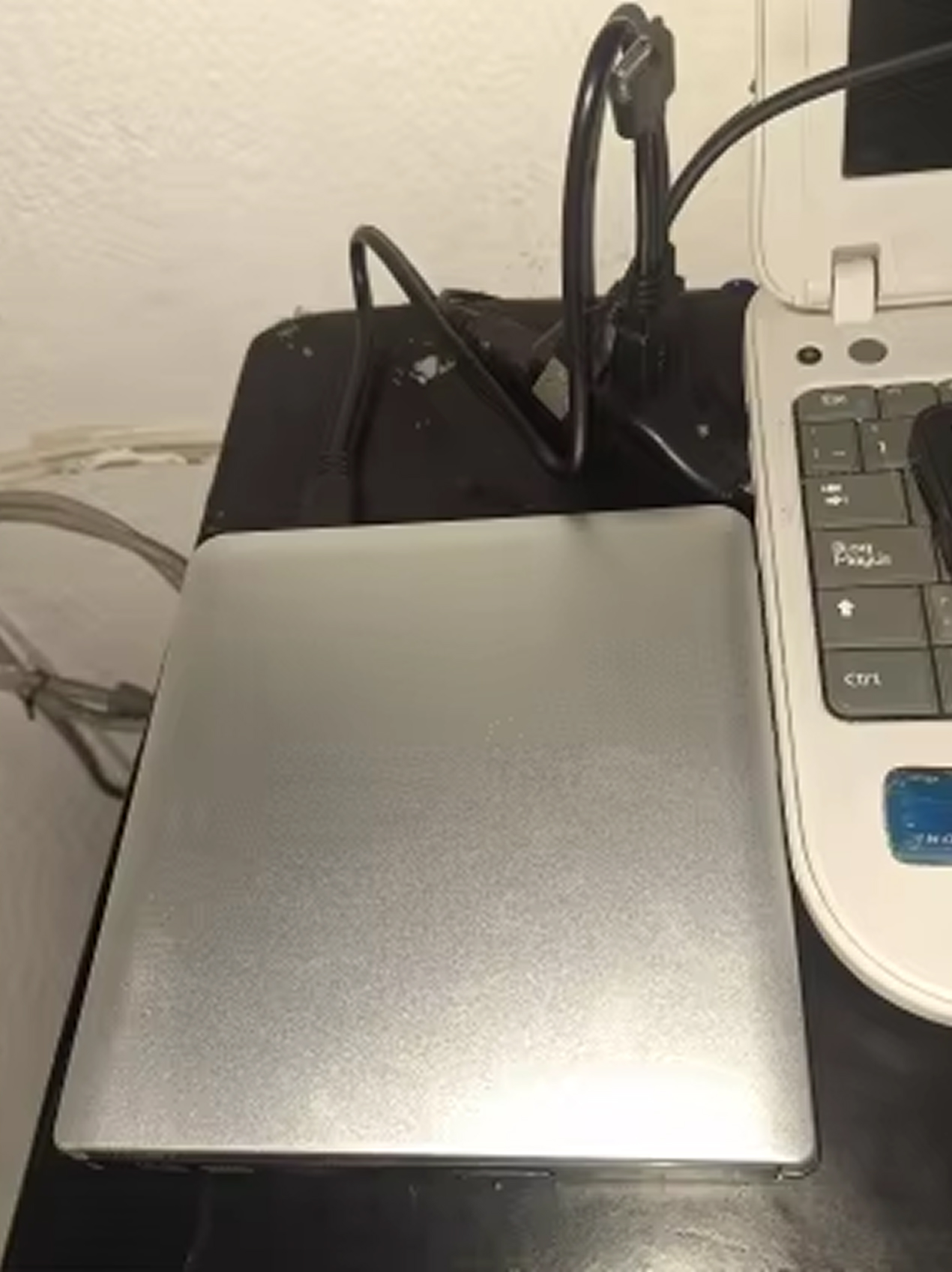
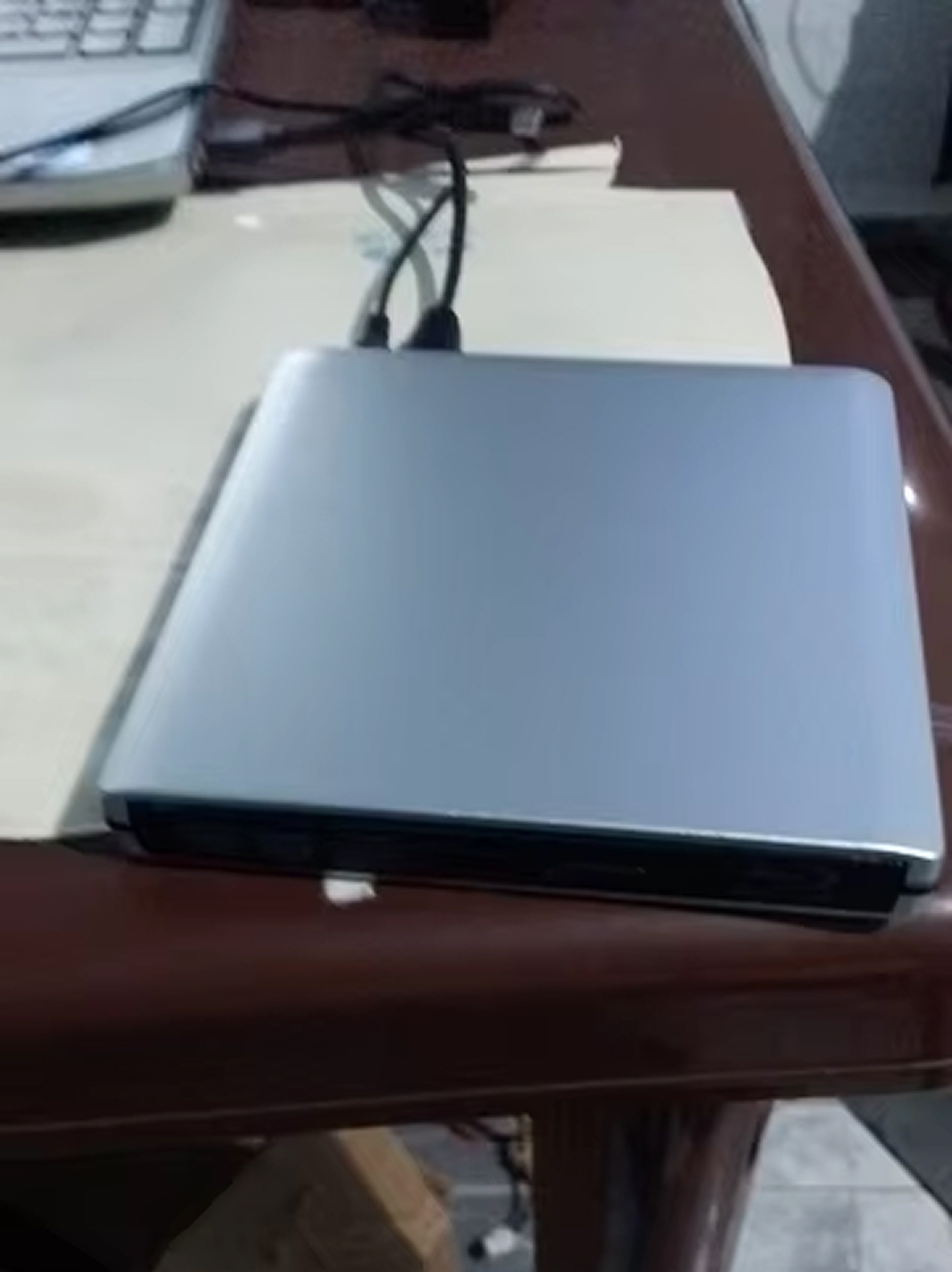
Crafted from sleek silver aluminum with minimalist design aesthetics. The lightweight yet durable construction ensures years of reliable performance while looking sophisticated on any desk or traveling in your laptop bag.
PLUG-AND-PLAY SIMPLICITY
No complicated software installations or driver downloads required. Simply connect via your preferred cable, and the Discynod Blu Ray Player works instantly—getting you to your content faster without technical headaches.
IMAGE GALLERY
What's Included in Your Package?
Blu Ray Player
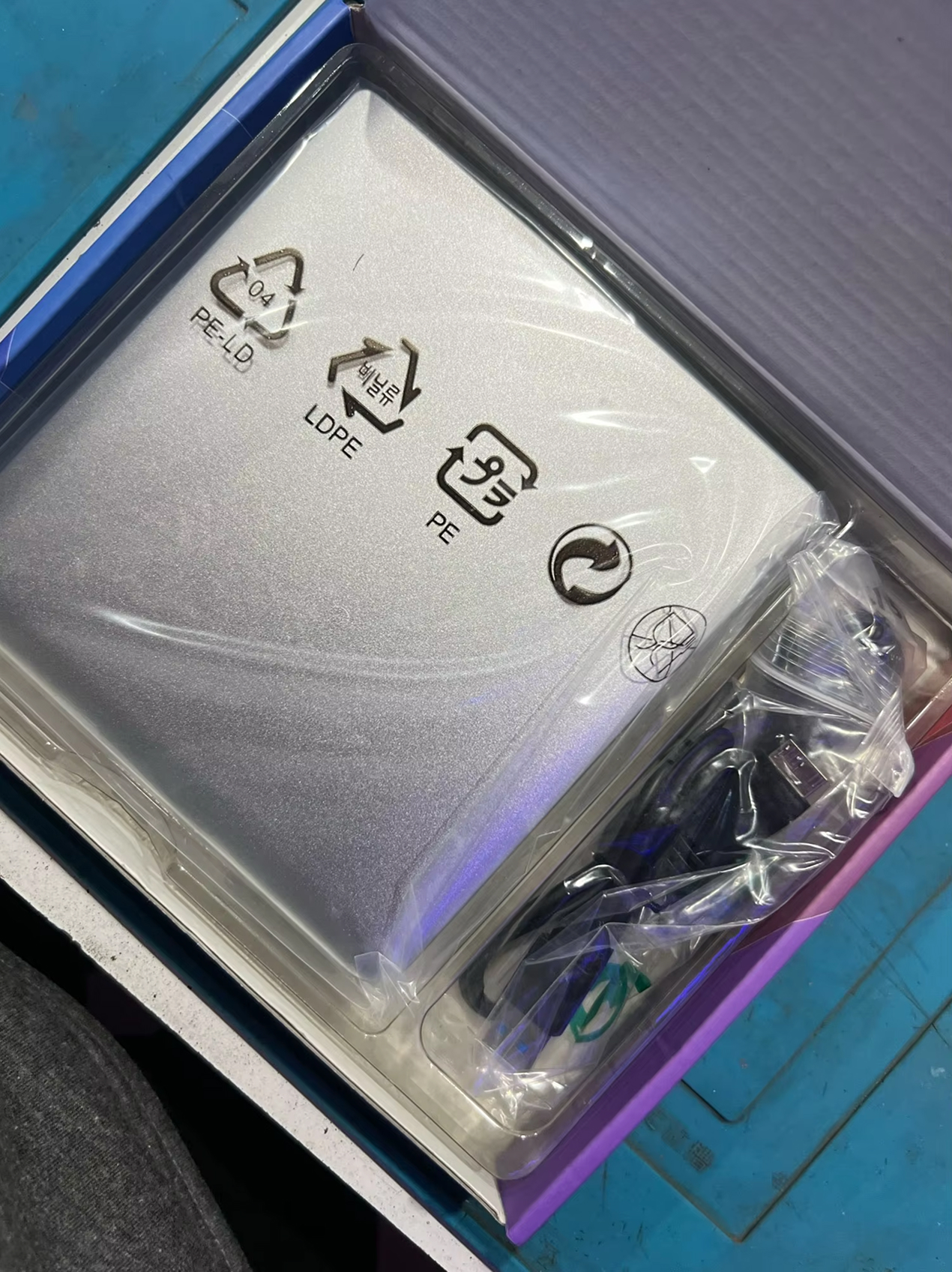
Charging Cable
User Manual
24/7 Customer Support
We understand the value of your time. That’s why our team is trained to respond promptly and efficiently, ensuring your queries and issues are addressed without unnecessary delays.
Meet The Discynod
Frequently Asked Questions
Does the Discynod Blu Ray Player work with my MacBook Pro?−
Absolutely! The Discynod works with all MacBook models, iMacs, and Mac OS versions. Simply plug in via USB or Type-C, and it's ready to use without additional software installation required.
Can I watch 3D Blu-ray movies on my laptop screen?+
Yes, if your laptop supports 3D playback. The player reads 3D Blu-ray discs perfectly—you'll need compatible 3D display technology or glasses for the full immersive experience on your specific screen.
What's the difference between USB 2.0, 3.0, and Type-C connections?+
USB 2.0 delivers 40% performance, USB 3.0 provides 86%, while Type-C achieves 100% optimal speed. All cables are included, so you can choose based on your device's available ports for best results.
Can this player burn data to blank Blu-ray discs?+
Yes! The Discynod supports BD-R burning at 6X speed. You can create backup discs, archive important files, or burn media content to blank Blu-ray discs with reliable, professional-quality results.
Will it play region-locked DVDs and Blu-rays?+
The player reads discs based on your computer's region settings and installed software. Region compatibility depends on your system configuration and playback software rather than the hardware itself.
Does it require external power or batteries?+
No external power needed! The Discynod draws power directly through your USB or Type-C connection, making it truly portable without carrying extra adapters, batteries, or bulky power cables anywhere.
Can I use this to install Windows on my Mac?+
Definitely! Many users successfully install Windows, Linux, and other operating systems using the Discynod. It reads bootable discs reliably, making it perfect for OS installations and system recovery tasks.
How portable is the Discynod Blu Ray Player for travel?+
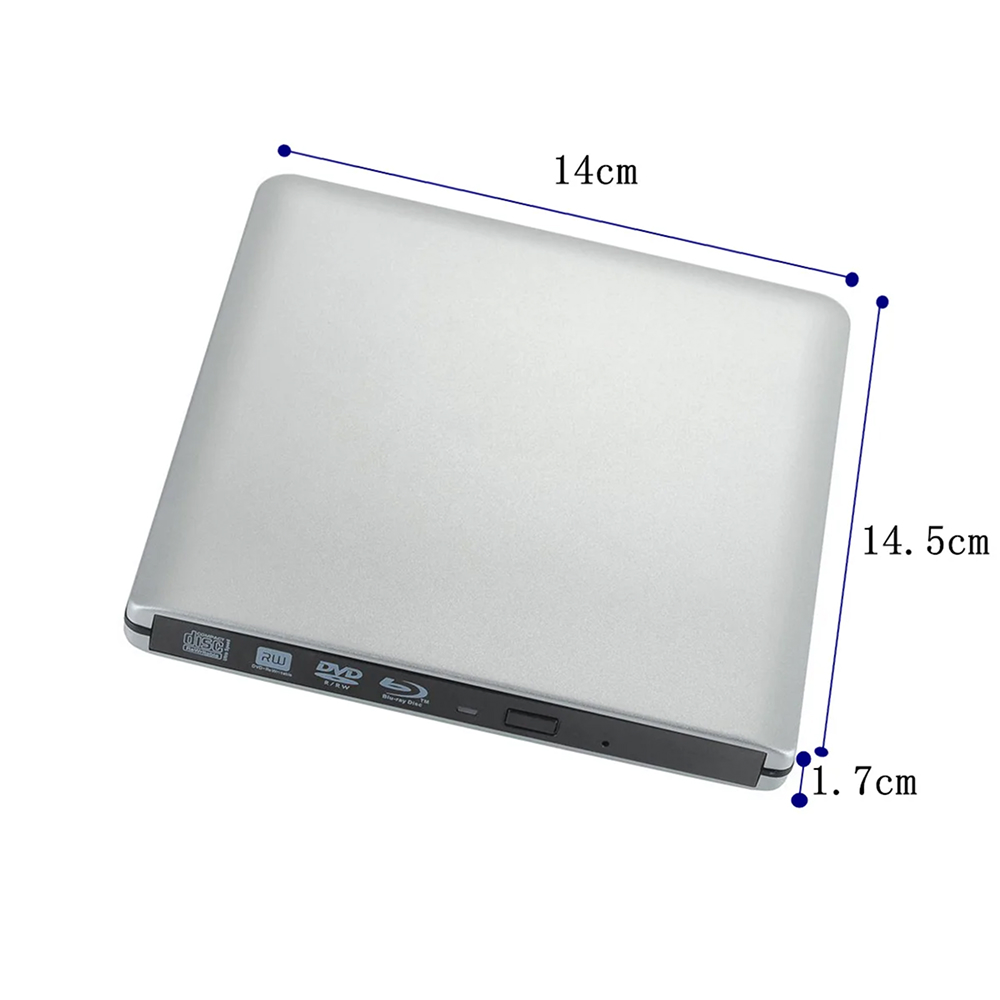
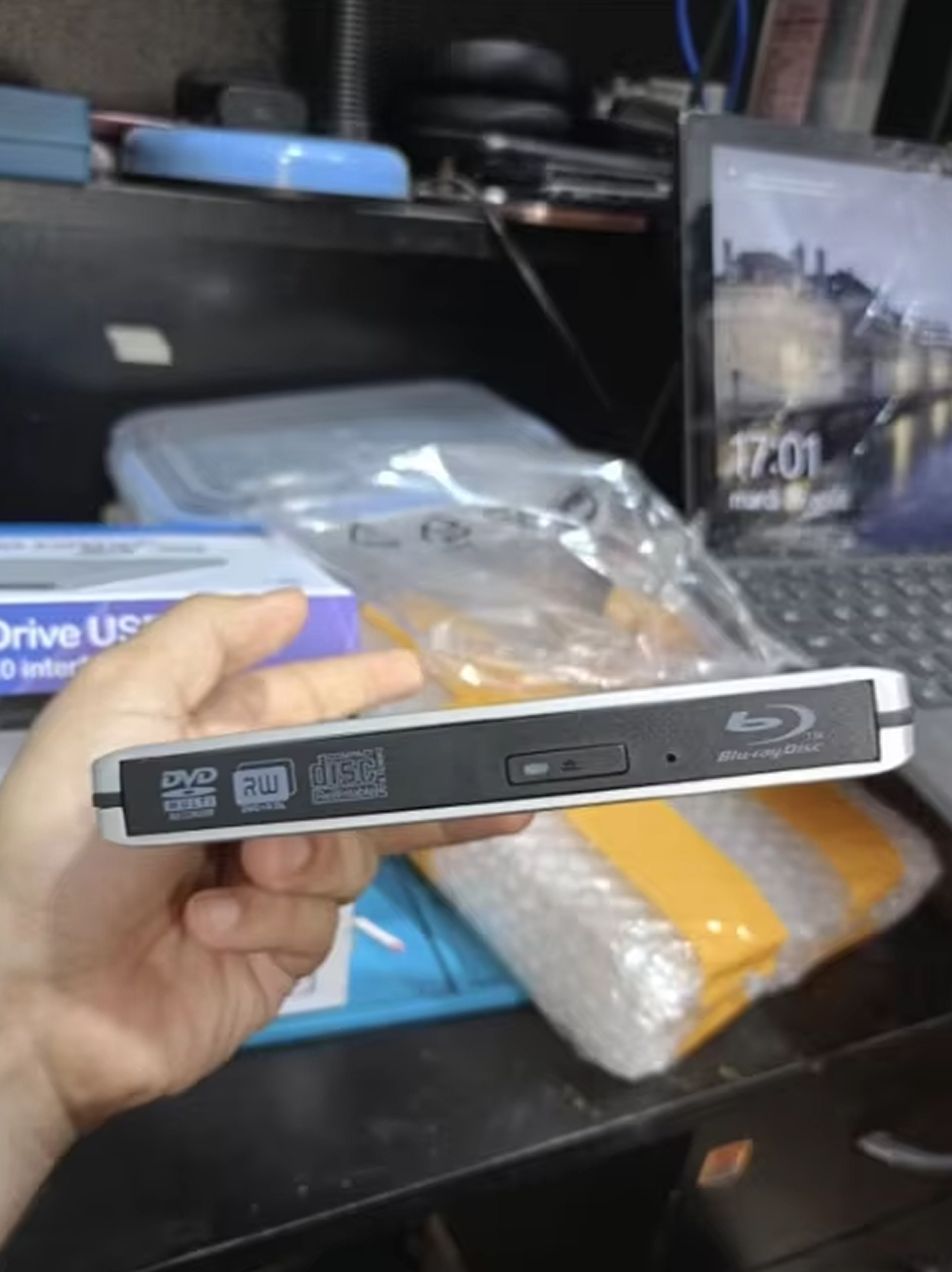
Extremely portable at just a few ounces with slim aluminum design. It fits easily in laptop bags or backpacks, making it ideal for business travelers, students, or anyone needing disc access on the go.
TOP #1 Blu Ray Player
Trusted by Thousands of Satisfied Customers
Jennifer Martinez
Finally found a reliable Blu-ray player for my MacBook Air! The Type-C connection works flawlessly, and I’ve watched dozens of 3D movies without a single glitch. Worth every penny for the quality.
VERIFIED BUYER
David Thompson
Impressed by how fast it burns DVDs and reads discs. I use the Discynod daily for work backups and software installations. The aluminum build feels premium, and setup was literally plug-and-play easy.
VERIFIED BUYER
Sarah Williams
Perfect for my Windows 10 laptop that lacks an optical drive. I’ve installed games, backed up family photos, and enjoyed my old DVD collection again. Compact design makes traveling with it super convenient.